
What Is Virtual RAM? How Does It Work and What Are Its Top 3 Benefits for Your Smartphone?
Virtual RAM Explained: Modern smartphones are becoming smarter every year, and one feature that is now common across budget, mid-range, and flagship devices is Virtual RAM. Smartphone brands often advertise phones as offering 8GB RAM + 8GB Virtual RAM or 12GB RAM + 12GB Virtual RAM, but many users still don't know what this feature actually does.
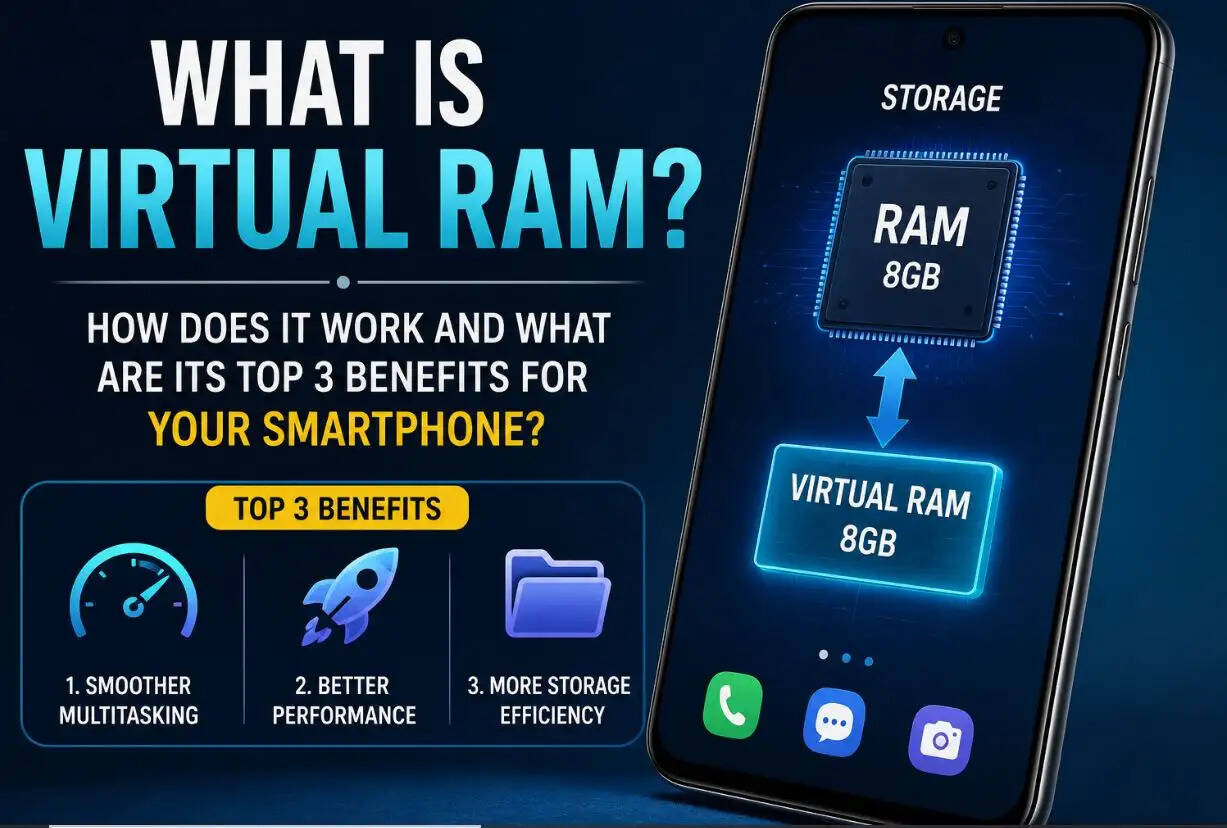
RJ Kesari Tech Desk: If you've ever wondered whether Virtual RAM really improves your phone's performance, here's everything you need to know.
What Is Virtual RAM?
Virtual RAM, also known as Dynamic RAM, is a software-based feature that temporarily converts a portion of your phone's internal storage into additional RAM.
Unlike physical RAM, manufacturers do not install an extra RAM chip inside the smartphone. Instead, the operating system reserves some unused storage space and uses it as temporary memory whenever your device runs low on RAM.
This helps the phone handle multiple apps more efficiently without requiring additional hardware.
What Does 8GB RAM + 8GB Virtual RAM Mean?
Many smartphone boxes display specifications such as:
- 8GB RAM + 8GB Virtual RAM
- 12GB RAM + 12GB Virtual RAM
This doesn't mean your phone physically has 16GB or 24GB of RAM.
Instead, if your device has enough unused internal storage, it can allocate up to 8GB or 12GB of that storage as extra virtual memory when needed.
The feature activates automatically or can be enabled through the phone's settings, depending on the manufacturer.
How Does Virtual RAM Work?
Whenever your phone's physical RAM becomes heavily occupied, the system shifts some background processes and temporary app data to a reserved section of internal storage.
This creates additional working memory, allowing the smartphone to continue running apps more smoothly.
However, Virtual RAM only works if your phone has sufficient free internal storage. If your storage is almost full, the feature may not function effectively or may provide only limited performance improvements.
It's also important to understand that internal storage is much slower than physical RAM, so Virtual RAM cannot completely replace actual RAM.
Top 3 Benefits of Virtual RAM
1. Better Multitasking Performance
The biggest advantage of Virtual RAM is improved multitasking.
With extra memory available, your phone can keep more applications running in the background, making it easier to switch between apps without frequent reloads.
2. Faster App Reloading
Additional virtual memory helps reduce the chances of apps closing automatically.
As a result, frequently used apps can reopen more quickly, providing a smoother user experience during daily use.
3. Fewer App Crashes and Better Stability
When physical RAM becomes overloaded, apps may freeze, lag, or close unexpectedly.
Virtual RAM provides temporary extra memory that helps reduce random app crashes and improves overall system stability, especially while using multiple applications simultaneously.
Does Virtual RAM Really Improve Performance?
Yes—but only to a certain extent.
Virtual RAM can make everyday smartphone usage smoother, especially for users who frequently switch between social media, messaging apps, web browsers, and entertainment apps.
However, it cannot match the speed of physical RAM because internal storage is naturally slower than dedicated memory chips.
For gaming, video editing, or heavy multitasking, having more physical RAM still delivers significantly better performance.
Should You Enable Virtual RAM?
If your smartphone has enough free storage space, enabling Virtual RAM is generally a good idea.
It can improve multitasking, reduce app reloads, and make your phone feel more responsive during regular use.
However, if your device is running low on storage, enabling Virtual RAM may offer little benefit and could even reduce storage availability for photos, videos, and apps.