
mAadhaar App Discontinued: How to Download the New Aadhaar App, Features & Everything You Need to Know
UIDAI is phasing out the mAadhaar app and introducing a new Aadhaar app with face authentication, QR-based verification, biometric lock, and enhanced privacy. Learn how to download and use the new app.
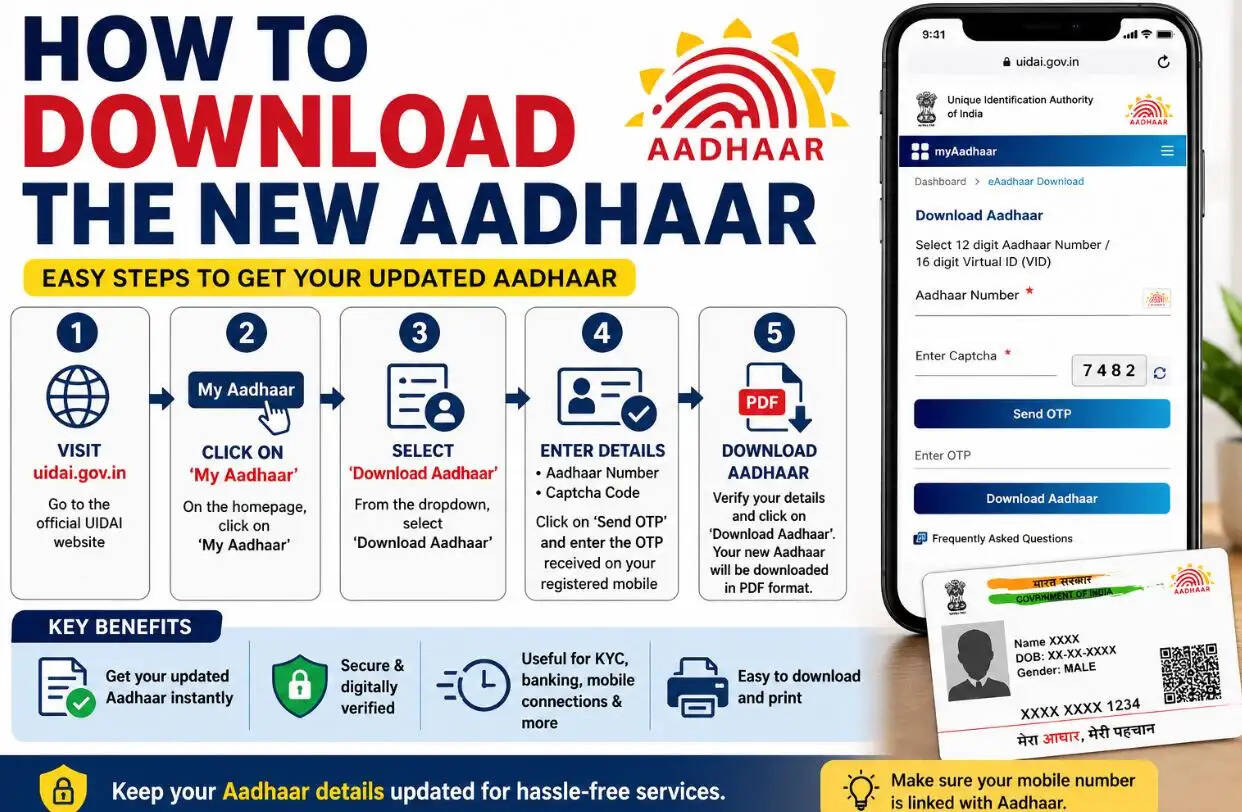
RJ Kesari Business Desk: If you still use the mAadhaar app on your smartphone, it's time to make the switch. The Unique Identification Authority of India (UIDAI) has announced that the mAadhaar app will be retired in a phased manner. This means the app will no longer receive future updates, and its services will eventually be discontinued.
To ensure uninterrupted access to Aadhaar-related services, UIDAI is encouraging users to move to its new Aadhaar app, which is available for both Android and iPhone users.
What Is the New Aadhaar App?
The new Aadhaar app is UIDAI's upgraded digital identity platform designed to replace the existing mAadhaar application.
It comes with a modern interface, improved security, and several advanced features that make Aadhaar verification faster and more convenient.
One of its biggest advantages is that users no longer need to carry a physical Aadhaar card in many situations. The app functions as a digital Aadhaar, allowing identity verification through a secure QR code.
Top Features of the New Aadhaar App
1. Face Authentication
The app includes an integrated Face Authentication system, enabling users to verify their identity using facial recognition instead of relying solely on fingerprints or OTPs.
This makes Aadhaar authentication quicker and more convenient in supported services.
2. Biometric Lock and Unlock
Users can easily lock or unlock their Aadhaar biometrics directly from the app.
This feature adds an extra layer of protection against unauthorized use and helps reduce the risk of Aadhaar-related fraud.
3. QR Code-Based Verification
Instead of carrying a printed Aadhaar card, users can simply display the secure QR code within the app for identity verification.
This makes the verification process faster, paperless, and more secure.
4. Enhanced Privacy Protection
According to UIDAI, the new app has been developed with a stronger focus on user privacy.
Only essential information—such as your name and age, when required—will be shared during verification. Sensitive details, including your Aadhaar number, remain protected.
How to Download the New Aadhaar App
For Android Users
- Open the Google Play Store.
- Search for "Aadhaar".
- Verify that the app is published by UIDAI.
- Download and install the official application.
For iPhone Users
- Open the Apple App Store.
- Search for "Aadhaar".
- Confirm the publisher is UIDAI before downloading.
- Install the official app on your device.
Important: Always verify the app's name, logo, and publisher before installing it. Fake Aadhaar apps can compromise your personal information.
Why Is UIDAI Retiring the mAadhaar App?
UIDAI says the new Aadhaar app offers a more secure, privacy-focused, and technologically advanced experience.
The older mAadhaar app had several technical limitations, making it difficult to support newer security features. As a result, UIDAI has decided to gradually discontinue the legacy application and transition users to the upgraded platform.
What Should Existing Users Do?
If the mAadhaar app is still installed on your phone, you should download the new Aadhaar app as soon as possible and begin using it for Aadhaar-related services.
Switching early will help you continue accessing digital Aadhaar features without interruption once the older application is fully retired.