
Updating Your Aadhaar Card Details Made Easy: A Simple 5-Step Guide
For many years, visiting an Aadhaar Enrolment Centre was the only way to make changes to your profile. However, the days of waiting in long queues are coming to an end.
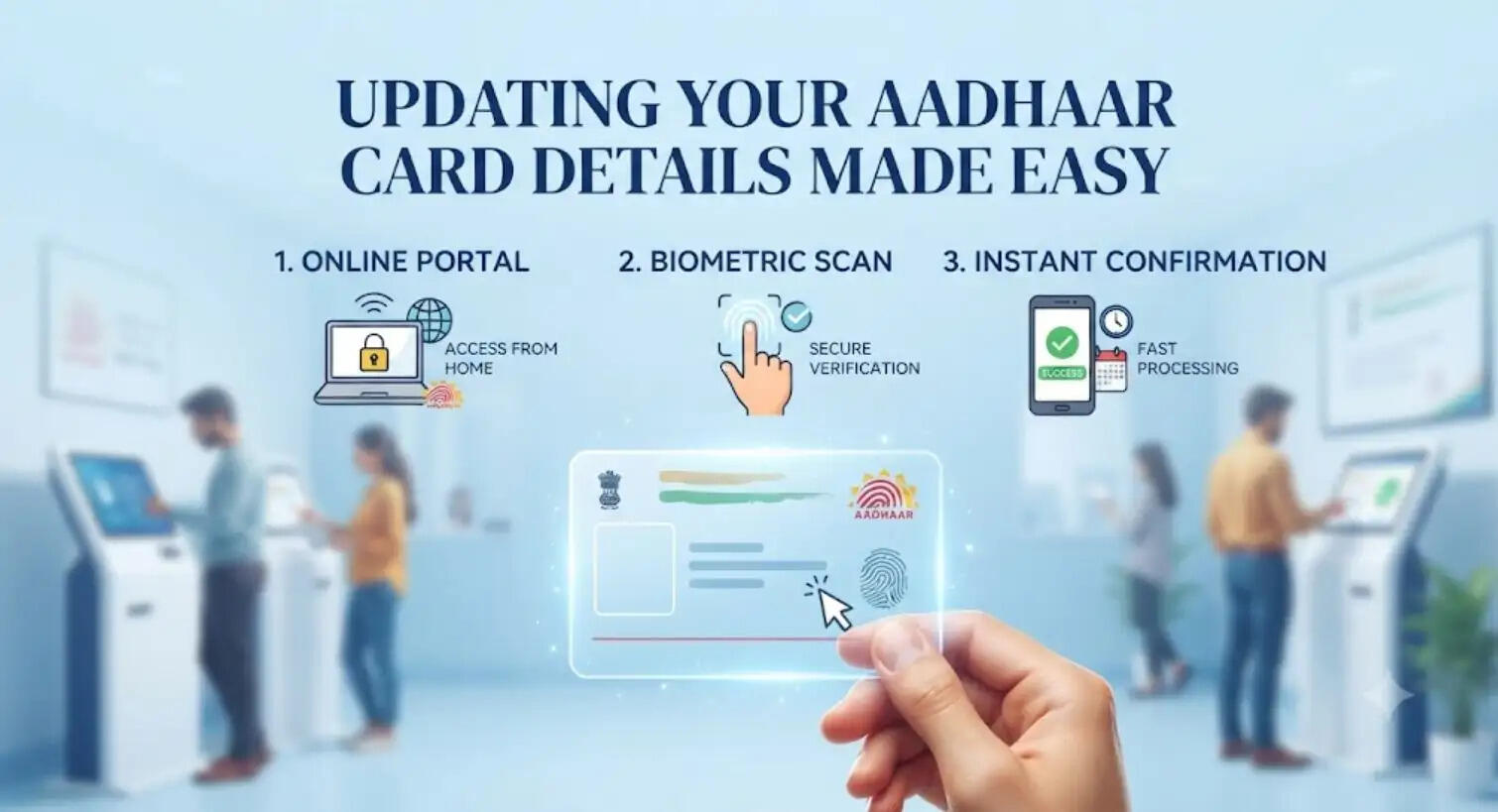
RJ Kesari News Desk: The Unique Identification Authority of India (UIDAI) has introduced a new, user-friendly mobile application that allows citizens to update their registered address and mobile number from the comfort of their homes. This service is now available for both Android and iPhone users.
How to Update Your Address Online
Updating your residence details is now a straightforward process:
-
Step 1: Download the new Aadhaar App on your smartphone and log in using your Aadhaar number to verify your identity.
-
Step 2: Navigate to the "Services" section within the app and select the "Address Update" option. Enter your new address and upload the relevant address proof document.
-
Step 3: Complete the face authentication process as prompted. Once verified, your request to update the address will be submitted to the UIDAI.
How to Update Your Mobile Number
Keeping your mobile number current is essential for receiving OTPs and government alerts:
-
Step 4: In the "Services" section, select the "Mobile Number Update" option. Enter your new mobile number and follow the on-screen instructions. Once your identity is verified, your update request will be submitted.
-
Step 5: After the update process is finalized, you will start receiving all OTPs and critical notifications on your new mobile number.
Service Fees and Tracking
To process an address update, there is a nominal fee of ₹75, which can be paid online directly through the app. Once the payment is successful, you will receive a Request Number, which allows you to track the status of your application in real-time.
Important Limitations
While this new app-based facility significantly reduces the need to visit an Aadhaar centre, saving time and effort, it does not replace the need for physical visits in all cases.
Please note that for biometric updates—such as changing your fingerprint, iris scan, or photograph—you are still required to visit an authorized Aadhaar Seva Kendra. For all other demographic details like address and phone number, the app remains the most convenient way to stay updated.